
If you’re unable to sign in to your IX7 account, you’re not alone. Login issues can happen for many reasons, including incorrect credentials, network problems, outdated apps, or temporary server maintenance.
This guide explains some of the most common IX7 login problems and offers practical troubleshooting steps that may help you regain access.
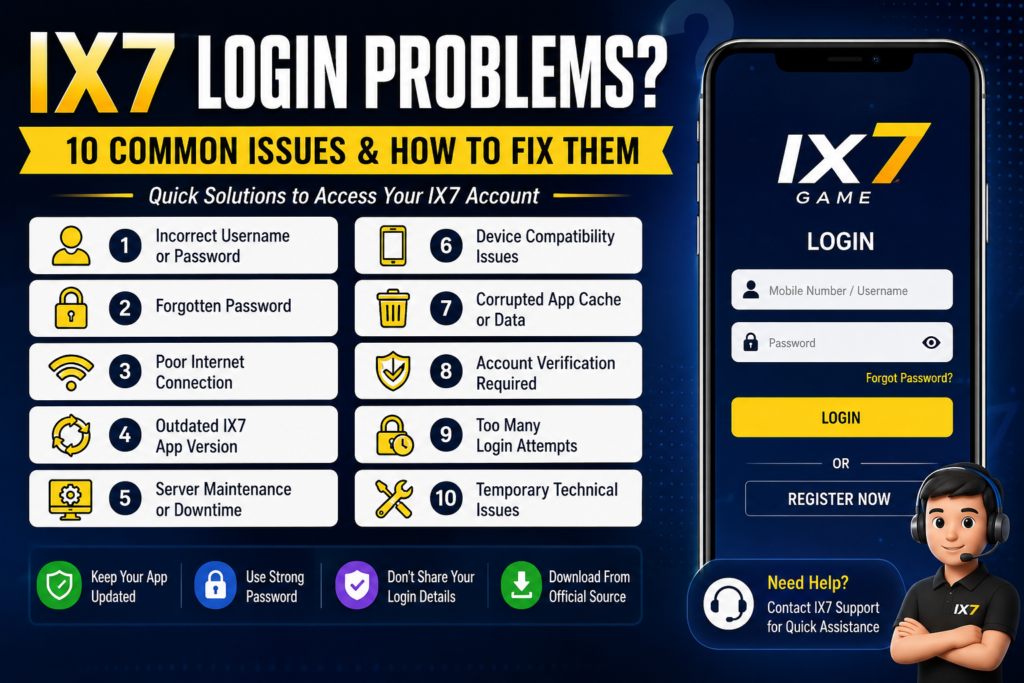
1. Incorrect Username or Password
One of the most common reasons for login failure is entering incorrect account credentials.
Try this:
- Double-check your username or registered mobile number.
- Make sure your password is entered correctly.
- Check that Caps Lock is not enabled.
- If available, use the “Show Password” option before submitting.
2. Forgotten Password
If you’ve forgotten your password, use the platform’s password recovery option.
Suggested steps:
- Select Forgot Password on the login page.
- Follow the verification instructions.
- Create a new, strong password.
- Store it securely using a password manager if possible.
3. Poor Internet Connection
A weak or unstable connection can interrupt the login process.
Things to check:
- Switch between Wi-Fi and mobile data.
- Restart your router if using Wi-Fi.
- Test another website to confirm your internet connection is working.
4. Outdated IX7 App Version
Older app versions may not work properly if updates have been released.
Solution
- Install the latest available version from the official source.
- Restart your device after updating.
- Try logging in again.
5. Server Maintenance
Sometimes login issues occur because the platform is performing maintenance.
Possible signs include:
- Login page not loading
- Temporary error messages
- Slow response times
If this happens, wait for the service to resume and try again later.
6. Device Compatibility Issues
Older Android devices or outdated operating systems can occasionally cause app performance issues.
Try these steps
- Update your Android operating system if possible.
- Restart your phone.
- Ensure your device has enough available storage.
7. Corrupted App Cache
Temporary app files can occasionally interfere with normal operation.
How to clear cache
- Open Settings.
- Tap Apps.
- Select IX7.
- Open Storage.
- Tap Clear Cache.
If the issue continues, you may also consider clearing app data, keeping in mind this may remove locally stored preferences.
8. Account Verification Required
Some accounts may require additional verification before access is restored.
You may need to:
- Verify your registered mobile number.
- Confirm your email address if applicable.
- Complete any required security verification.
Follow the instructions provided within the app or on the official platform.
9. Too Many Login Attempts
Multiple unsuccessful login attempts can sometimes trigger temporary security restrictions.
What to do
- Wait for a short period before trying again.
- Avoid repeatedly entering incorrect passwords.
- Reset your password if you’re unsure of it.
10. Temporary Technical Issues
Occasionally, unexpected technical issues can affect login functionality.
If none of the previous steps work:
- Restart your phone.
- Reinstall the latest version of the app.
- Check whether the issue resolves after some time.
- Contact the platform’s official support channel if the problem persists.
Tips to Help Keep Your Account Secure
To reduce the chances of future login problems:
- Use a strong, unique password.
- Never share your password or verification codes.
- Keep your app updated.
- Download the app only from official sources.
- Avoid logging in on untrusted public devices.
Frequently Asked Questions
Why can’t I log in to IX7?
Common reasons include incorrect login details, internet connectivity problems, app version issues, temporary server maintenance, or account verification requirements.
How do I reset my IX7 password?
Use the Forgot Password option on the login page and follow the recovery instructions provided.
Should I reinstall the app?
If updating and clearing the cache do not solve the issue, reinstalling the latest version may help resolve software-related problems.
Can server maintenance prevent login?
Yes. During scheduled or unexpected maintenance, users may experience temporary login issues until service is restored.
How can I avoid login problems in the future?
Keep your app updated, use secure login credentials, maintain a stable internet connection, and download updates only from official sources.
Final Thoughts
Most IX7 login problems can be resolved by checking your login credentials, ensuring your internet connection is stable, updating the app, or waiting if temporary maintenance is taking place.
If you’ve tried all of the troubleshooting steps above and still cannot access your account, use the platform’s official support resources for further assistance.